Accidents, battery issues, and software problems can affect smartphone performance. Some issues can be solved at home and some require a visit to a repair shop.
The team at FoneTech Redditch, has over 10 years of experience in the smartphone repairs industry and know how to identify issues before suggesting a repair.
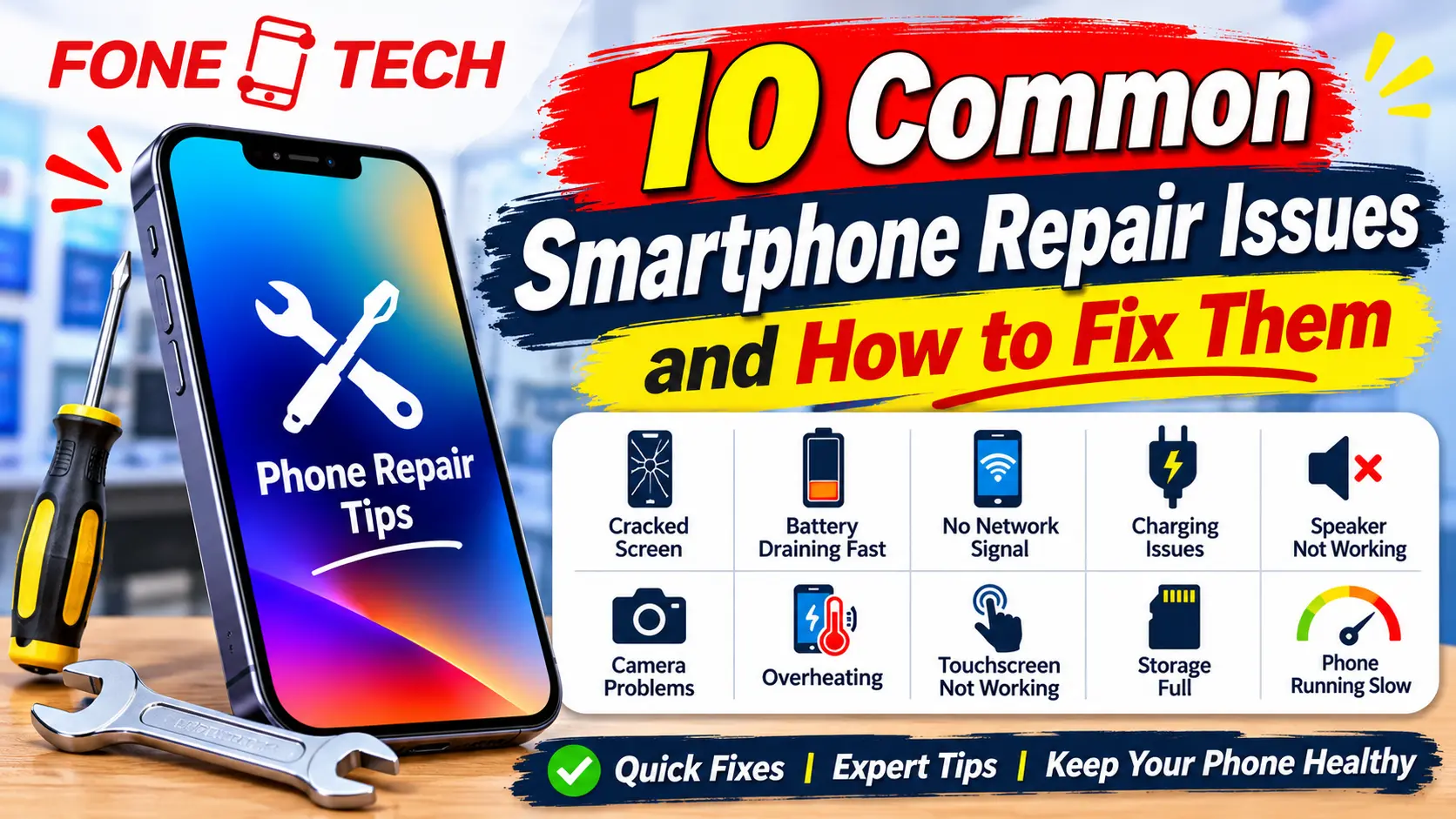
In this article, we list 10 smartphone repair issues and common troubleshooting methods. We also give an idea when professional Samsung, iPhone or Android phone repairs may be required.
1. Broken or Cracked Smartphone Screen
Breaking the display is the first and the most common type of smartphone repair. Various mishaps like falling or getting hit can break the display.
The following can be noticed in case of a broken display:
- Cracks or break in the display.
- Colored lines in the display.
- Inability to touch the display.
- Constant blur or flicker on the display.
We back the phone up and ask the user to not touch the cracked glass when performing a cracked display repair. A screen protector will not correct a cracked display.
FoneTech Redditch professionally repairs displays of iPhones, Samsung phones and other makes. Learn more about cracked display repairs in Redditch.
2. Rapid Battery Drain
Eventually, all the batteries in phones will stop holding a full charge. Things like altitude and extreme temperatures can make the battery drain happen faster. Also, other applications running in the background or the phone display set to a high brightness can make the phone lose charge faster.
Possible reasons for rapid battery drain:
- Low battery capacity.
- Too many apps running.
- Brightness set too high
- Location services in use.
To remedy this, consider changing the phone’s settings and try battery saving modes.
FoneTech can replace your battery and examine your phone. For more info, see battery replacement.
3. Phone Not Charging Properly
Any part of the phone that deals with power delivery (cable, adapter, battery) or reception (port, circuits) can cause charging issues.
Typical Issues:
- Faulty charging cable and adapter.
- Clogged charging port.
- Physically damaged connectors.
- Problems with internal circuits.
How to fix:
Try using different cables and wall adapters. Try different cables and chargers to see if that fixes the issue. Also try charging it while it’s powered off. If a moisture indicator is present and a message states “do not charge” or similar, do not charge until the indicator dries. Never put metallic objects in the charging port.
If none of the above work, contact FoneTech for more info.
4. Water Damaged Phone
Sensors and other delicate electronics can be permanently damaged by exposure to water even if the phone claims to be water resistant. Water resistance can be compromised by physical damage.
Possible Issues:
- LCD malfunctions.
- Distorted audio.
- Charging issues
- Buton malfunctions
What to do:
Power off phone if possible. Disconnect all accessories, remove case and dry exterior. Don’t charge, use a hair dryer, or put in rice.
Corrosion may be caused by water damage and can affect internal components. Contact FoneTech to assess the internal components.
5. Phone Audio Issues
Communication is important and Phone audio issues are frustrating.
This may include:
- Low volume.
- Low quality audio.
- No audio.
- Microphone malfunction.
Some Common Issues:
- Dust on speakers.
- Short circuits from moisture.
- Software malfunction.
- Failure of speaker component.
- Faulty connection to microphone.
Some Actions:
Check if Bluetooth devices are paired, or if volume is set too low and test audio through phone’s mic. Contact us to schedule a service appointment, if issues persist.
It may be the loudspeaker or earpiece. FoneTech provides several services related to phone speakers. Learn more.
6. Phone Overheating
It is normal for phone to heat up when used to record videos or while gaming. Overheating can also happen while charging.
Possible Reasons:
- Use of CPU intensive applications and games.
- Charging in hot environment.
- Faulty battery and components.
- Exposure to direct sunlight.
Possible Solutions:
Do not use CPU intensive applications and games. Avoid using your phone in direct sunlight. Use the original charger. Take breaks to cool down breaks. Overheating can damage your phone. Stop charging and contact your phone manufacturer for replacement of the battery if your battery becomes swollen. If overheating occurs while charging, stop using the phone.
Swollen batteries could be a result of exposure to temperatures above the allowed operational range and could cause the battery to expand. If the battery expands, do not use or charge the phone. Stop charging and contact your phone manufacturer for replacement of the battery if your battery becomes swollen.
7. Mobile Signal Reception Issues
Weak mobile signals can prevent you from making calls and sending text messages and can also slow mobile internet. Weak signal does not always mean your phone has an issue.
Possible Causes:
- Poor signal reception.
- SIM card issue.
- Temporary mobile network service outage.
- Incorrect mobile network settings.
- Faulty internal antenna.
How to improve signal reception:
Try to move to a place with better signal reception. Replace your SIM card. Toggle airplane mode and adjust mobile network settings. Check the signal reception of your SIM card in other mobile devices.
Contact FoneTech Redditch if you need us to check the signal reception hardware of your phone.
8. Malfunctioning Power and Volume Buttons
Buttons can break due to regular use and accidents.
Power and volume buttons can break in a variety of ways including:
- Being stuck in the up or down position
- Not powering the phone on/off
- Locking the phone when not intended
Sometimes buttons can be stuck and it appears as though the phone is unresponsive. When this happens, try using accessibility features to adjust the phone. If the issue persists, there could be an issue with the button or how it is connected to the phone. For more information, click the link to view our button repair services.
9. Smartphone Camera Issues
Issues related to cameras can effect photo and video quality and even video calls.
Causes of these issues can include:
- Dirt on the camera lens
- Camera glass being cracked or broken
- Certain software bugs
- Inadequate memory
To resolve these issues try:
- Cleaning the lens
- Updating the software
- Deleting files
- If the camera module is bad, it may need to be replaced.
10. Phone Freezing and Crashing
Issues with phone software can effect overall performance and cause the phone to randomly restart.
To remedy these issues try:
- Updating the phone’s software
- Uninstalling and updating apps
Freeing up memoryResetting the phone to factory settings (ONLY if absolutely necessary because all data will be erased)
If the phone continues to freeze and restart, the issue may be with the phone’s battery or other hardware.
Common iPhone and Samsung Smartphone Repair Issues
Although the particular issues vary from phone to phone, certain phone models are prone to similar problems.
Problems Specific to iPhones
Among iPhone users, there are cracked screens, defective batteries, charging issues and camera and speaker issues.
Problems Specific to Samsung Phones
Touchscreen and camera issues, charging and display issues are among the problems Samsung phone users experience.
FoneTech Redditch has the right repair for iPhones and Samsung Galaxy phones among others. The type of repair and the components affected will determine the cost of the repair.
Read Also: https://redditch.fone-tech.co.uk/fix-a-smashed-phone-screen-in-redditch/
Professional Cell Phone Repair Tools and Equipment
Successful cell phone repairs require proper tools and careful handling of internal components.
A tool kit may include precision screwdrivers, opening tools, tweezers, suction tools and magnifiers. The choice of tools for any given repair is determined by the experience level of the technician and the model of the device being repaired.
The lack of proper tools and experience can easily damage connectors and batteries and other internal components of a cell phone during opening. For hardware problems, professional assessment and repair is the safer option.
When Should You Select Professional Smartphone Repair in Redditch?
It’s often possible to fix minor problems yourself, but more severe issues and physical damage usually require the skills of a professional.
You might want to think about engaging a professional if your phone has:
- A broken display.
- A swollen battery.
- A damaged charging port.
- Been in contact with liquid.
- A faulty speaker or microphone.
- A faulty camera.
- A faulty signal.
If you are looking for a smartphone repair near me in Redditch, you might want to try a repair shop that is clear and transparent about the costs and the faults.
At FoneTech in Redditch, we give customers a repair quote before we do any work. We test replacement parts, and check the phone again to make sure it is fully working.
Most of the common repairs can be done the same day.
What Makes FoneTech Redditch the Best Choice for Smartphone Repairs?
Price is just one consideration when choosing a repair provider. Others include the quality of communication and diagnostics, and the integrity of repair procedures.
FoneTech Redditch provides:
- A wide range of repairs: Screen, battery, charging, speaker and liquid damage repairs.
- Accurate fault diagnosis: Including potential causes before recommendation of a solution.
- Component testing: Including functions of repaired components and replaced parts.
- Upfront pricing: Customers are given a quote before any repair work is done.
- Three month parts warranty: Subject to the business’s applicable warranty terms.
FoneTech is at Unit 33b Evesham Walk, Kingfisher Shopping Centre, Redditch. To discuss smartphone repair needs, visit the https://redditch.fone-tech.co.uk/.
Conclusion:
Understanding common smartphone repair issues allows you to problem diagnose and choose the appropriate repair solution. You may be experiencing a cracked screen or an incorrect battery fault causing charging issues. Making the correct diagnosis is critical in ensuring the problem is repaired.
FoneTech Redditch offers smartphone repairs for iPhones, Samsungs and other Android devices. Get in touch with them to discuss your repair issues and options available.
Frequently Asked Questions
1. What Are the Most Common Smartphone Repair Issues?
Some of the common issues include cracked screens, battery drainage, charging issues, water damage, speaker faults, overheating, signal issues, faulty buttons, camera issues, software crashes and others
2. How to Repair an Android Phone Screen?
If your screen is cracked and the touch function is also affected, then you will need to replace the screen. If just the screen protector is cracked and damaged, then that may be all that needs to be replaced.
3. What Are Common iPhone Repair Issues?
There are a number of common issues that would lead customers to bring in their iPhones for repair, including cracked displays, malfunctioning batteries, charging issues, bad cameras, and speakers that do not function properly.
4. How Can I Repair My Phone?
If you have cracked your display, malfunctioning hardware, or have other types of issues where the phone has physically been damaged, contact your local service center for more information. Basic troubleshooting includes a factory reset, software/firmware updates, and/or a simple restart of your device.
5. What Is the Best Way to Deal With Smartphone Repair Problems?
Identify the symptoms of the problem, and try some basic and safe troubleshooting. If the problem persists, have it evaluated by a service center. Determine the cost of repair versus the replacement value of your phone.
6. Where Can I Find Smartphone Repair Near Me in Redditch?
FoneTech Redditch is at Unit 33b Evesham Walk, Kingfisher Shopping Center, Redditch, B97 4EY. The center is open for you to visit or you can contact the team online.